
10 Website Tasks Owners Should Know
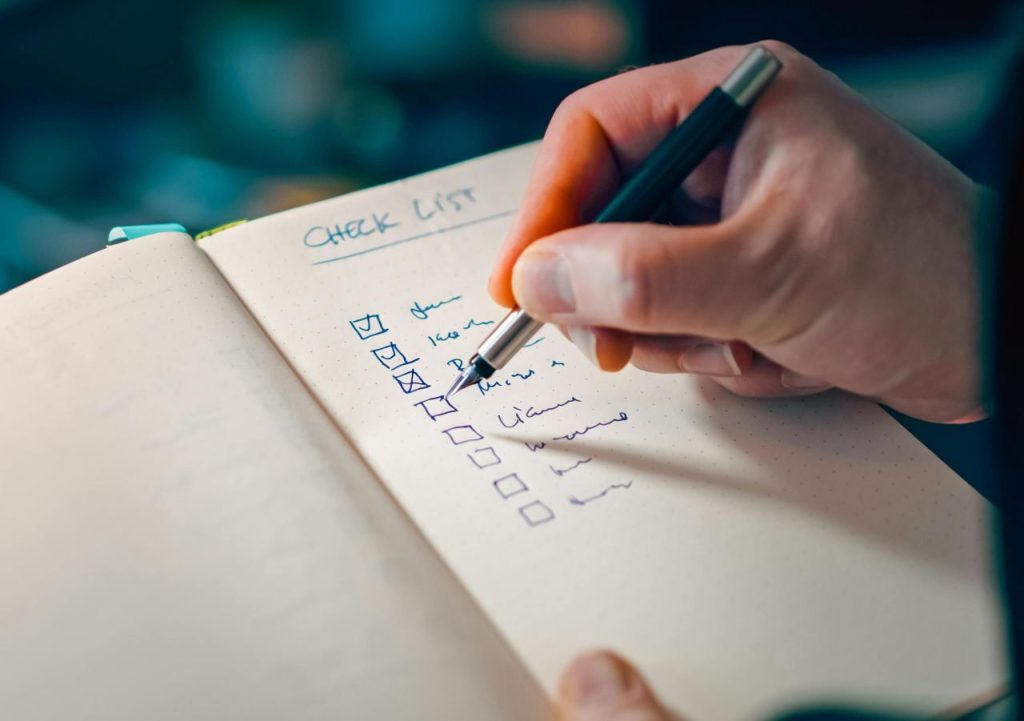
There are at least 10 website tasks you need to know for your website to run sufficiently.
If you’ve just launched your first website, congratulations! It’s an exciting journey, but it also comes with a bit of responsibility. Website maintenance is like taking care of a car, regular check-ups ensure everything runs smoothly and prevents bigger issues down the road.
Today, I’ll walk through ten simple maintenance tasks every website owner should know.
Update Your Content Regularly
Fresh content keeps your audience engaged and helps your site stay relevant. Make a habit of updating your blog posts, product descriptions, and other content at least once a month.
This not only improves your SEO but also shows your visitors that your site is active and up-to-date.
Check for Broken Links
Broken links can frustrate your visitors and harm your SEO. Use free online tools to scan your site for broken links.
If you find any, fix them or remove them altogether. This simple task keeps your site user-friendly and professional.
Backup Your Site
Imagine losing all your hard work in a flash. Regular backups are your safety net. Schedule weekly backups of your site’s data, so you can quickly restore it if something goes wrong. There are WordPress plugins you can add that will help you to back up your website.
Update Plugins and Themes
Outdated plugins and themes can pose security risks. Regularly check for updates and install them to keep your site secure and running smoothly. Most updates are just a click away and can be done within minutes. Once updated, double check your themes and plugins to make sure they are updated to the most current version.
Pro Tip:
- Do not set your plugins to automatically update. This can be problematic if a plugin fails and you are unable to log into the admin dashboard.
Improve Load Speed
A slow website can drive visitors away. Optimize your images, limit the use of heavy scripts, and consider using a caching plugin to speed up your site. Faster load times mean happier visitors and better search engine rankings.
Ensure Mobile Compatibility
More and more people are browsing the web on their mobile devices. Make sure your site looks good and functions well on smartphones and tablets. Test your site on different devices and fix any issues that come up.

Not sure how your site stacks up? Try the free Mobile View Checker tool right here on Website Fixer Guy.
Monitor Site Security
Protect your site from hackers by installing a security plugin. Regularly scan your site for malware and take immediate action if you find any threats. A secure site builds trust with your visitors.
Review Analytics
Regularly review your site’s analytics to see what’s working and what’s not. Pay attention to traffic sources, popular pages, and user behavior to improve your site over time. Understanding your website’s performance helps you make informed decisions.
Check Your Contact Forms
Make sure your contact forms are working correctly. Test them regularly to ensure messages are being sent and received. A malfunctioning contact form can mean missed opportunities and frustrated visitors.
Engage with Your Audience
Respond to comments, answer questions, and engage with your audience. This builds a community around your website and encourages repeat visits. Happy visitors are more likely to become loyal customers.
Ready to Dive Deeper?
These simple tasks are just the beginning.
Maintaining a website doesn’t have to be overwhelming. With these basic tasks, you can keep your site running smoothly and provide a great experience for your visitors.
If you have any questions about website maintenance, tutorials, or anything else you find here, send Rudy a message through the Contact form.
— Rudy | WebsiteFixerGuy.com | © 2026